Okay so someone probably told you that you need 10,000 followers before you're allowed to sell anything. That you need to be some influencer with a huge email list before you can make a single dollar online. That's just not true. And honestly that lie kept me stuck for way longer than I want to admit.
Here's the thing. You can have a tiny little circle of people and still make real money. You don't have to be loud or "on" all the time to make this work. If you're an introvert, that's actually kind of an advantage here. No live launches. No sales calls where you're sweating through your shirt. No posting five times a day just to feel like you exist online.
By the end of this, you're going to have an actual plan. We'll figure out how to check if people even want your idea before you build it. Then a simple way to actually build the thing over a couple days. And then how to sell it without needing a massive following or getting on camera if that's not your vibe. Monday morning you could genuinely have something built and selling.
Why Digital Products Just Work For Introverts
Digital products give you your time back, plain and simple. Most people start a business because they want freedom, and then somehow end up trading hours for dollars anyway with clients or services. That's just a job with extra steps. Digital products break that cycle because you make the thing once and it can sell forever.
That's the whole point of passive income here. Once it's built, the system does the work. No inventory, no shipping, no client calls, nobody managing you. You could be asleep or at your kid's soccer game while your product sells and delivers itself.
And the market for this is huge right now. People aren't buying giant bloated courses anymore, they want something specific that fixes one problem fast. So you don't need to be some world class expert. You just need to know a little more than the person you're helping.
5 Digital Products You Can Actually Build Fast
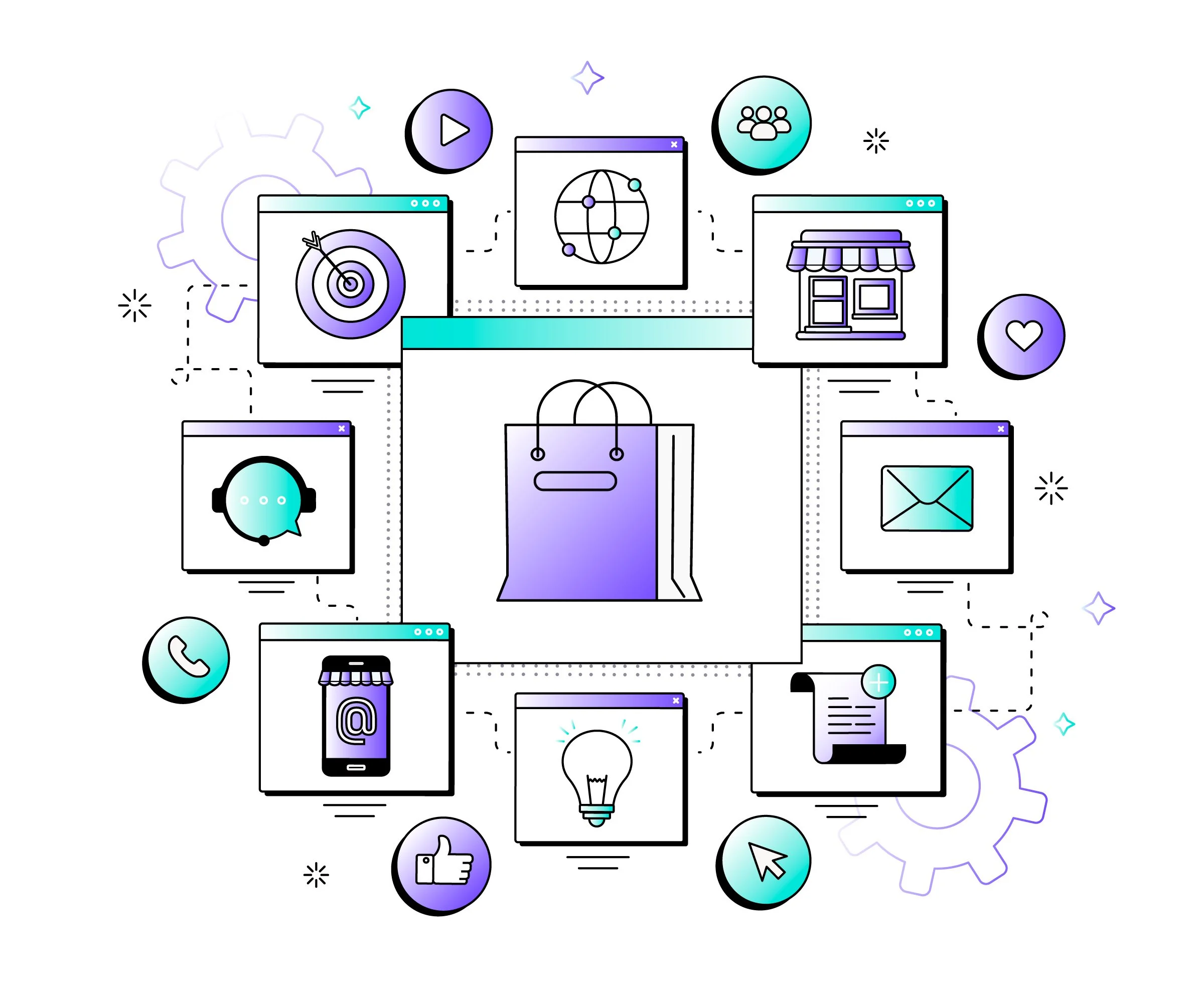
Image by Magnific on Freepik.com
You want something you can finish by Sunday night, not something that takes three months. Here's what actually works.
PDF Guides and Ebooks
Classic for a reason. Easy to make, but valuable if it solves something specific. If you know how to do something people find confusing, write it down.
Best for: writers, people who like organizing info
Difficulty: easy
Earning potential: decent
Templates
Templates are everywhere right now for a reason. Notion setups, Canva designs, spreadsheets, whatever. People buy these because it saves them from starting from scratch.
Best for: people who are good at design or organizing
Difficulty: medium
Earning potential: high
Mini-Courses or Video Trainings
You don't need to show your face. Screen recordings work fine. Keep it under two hours total and focused on one result.
Best for: people who'd rather talk than write
Difficulty: medium to hard
Earning potential: really high
Swipe Files and Toolkits
Basically a collection of stuff, scripts, calendars, tool lists, whatever you've already figured out. You're selling your shortcut.
Best for: people who've already done the research
Difficulty: easy
Earning potential: decent
Recorded Workshops
If you've ever taught someone how to do something, record it. Do the work once and it sells while you sleep.
Best for: teaching a specific skill
Difficulty: medium
Earning potential: high
Step 1: Check If Anyone Actually Wants This (Saturday Morning)
The biggest mistake is spending weeks building something nobody wants. So before you even open Canva, let's check.
Ask yourself three things. Is someone already selling this? Good, that means people spend money on it, competition isn't a bad sign. Does it solve something specific and urgent? People pay for solutions, not just info dumps. And would your current people, even if it's only 50 of them, actually pay for it?
You can figure this out in a day. Search your topic on Pinterest and see what's popping up. Check Etsy for similar digital products and actually read the reviews. If someone says "loved this but wish it had a checklist," that's literally your product idea right there.
Reddit works too. Find a subreddit in your niche and see what questions keep getting asked over and over. That repetition is your product. And if people would pay you to just do the thing for them, they'll pay less to learn how to do it themselves.
Step 2: Build It Fast (Saturday Afternoon to Sunday)
Time to build. Keep it simple, don't overthink it. Skip the "ultimate guide to everything" and just make the quick guide to one result.
Saturday afternoon, brain dump everything you know about the topic, then sort it into sections. Five chapters for a PDF, three parts for a template, whatever it is, keep it lean.
Sunday morning you actually make the thing. Write it, record it, design it. Sunday afternoon you clean it up, fix typos, export the files.
You don't need fancy tools. Canva works great for guides and templates. Google Docs is fine too if you want it simple. Loom is perfect for faceless video, just record your screen. Notion works if you're building something more like a workspace.
And remember, it doesn't have to be perfect, it just has to be useful. A tight 10 page PDF that solves the actual problem beats a bloated 50 page one every time. People want the shortcut. Just give them that.
Step 3: Price It (Without Feeling Weird About It)
This is where a lot of introverts freeze up. They feel bad charging money or they lowball themselves so they don't seem "greedy." You gotta let that go. What you know has value.
Templates and swipe files usually run $17 to $47, those are impulse buys. Guides and ebooks sit around $27 to $67. Mini-courses can go $47 up to $197 depending on how much is in there. Bundles or toolkits can hit $97 to $297.
The goal is what I call the obvious yes. The price should feel so small compared to what it saves them that they don't even hesitate. If your thing saves someone ten hours, $47 is nothing.
You can also add an order bump. Someone's buying your $27 guide, offer a $17 template that pairs with it. Same customer, bigger sale, no extra work finding new people.
Step 4: Sell It Without a Huge Following
This is the part that scares people but it's honestly the easiest if you set it up right. You don't need to go viral. You don't need to post 20 stories a day.
First pick a platform to take payments and deliver the file. Gumroad is easy, no monthly fee, they just take a cut. Beacon works if you want a simple link in bio setup. ThriveCart is good if you want more complex funnels down the road. Payhip works too. Just pick one, don't spend the whole weekend debating it.
Then you need traffic. No big following, no problem, use search instead. Pinterest SEO is great for this, make pins that lead to your product or a blog post about it, and those pins keep working for months. Google SEO works the same way, a blog post lets people find you when they're already searching for the answer. And don't forget your email list, even 50 people on it are 50 people who already trust you.
Here's the soft launch, no countdown timers, no pressure tactics needed. Three emails over five days. Email one, talk about the problem, tell a quick story about why it's frustrating. Email two, introduce your product and how it fixes that problem. Email three, one last nudge, share a result or a reason to grab it now.
That's genuinely it. No shouting into the void required.
What To Actually Expect Your First Weekend
I'll be real with you. Your first weekend might get you zero sales. Or it might get you $500. Both are wins honestly. Zero sales just means you learned the process and now you have a finished product. Tweak the marketing, change the title, try a different traffic source.
The point is you're building an asset. One product, one system, and it compounds from there. Every pin, every email adds up over time. You're building something that works for you instead of the other way around.
If you want to skip some of the design headache, I put together something to help you move faster.
Get the Ecourse Ebook & Workbook Canva Template here
Just plug in your info and you've got something that looks professional and ready to sell by the end of the weekend.